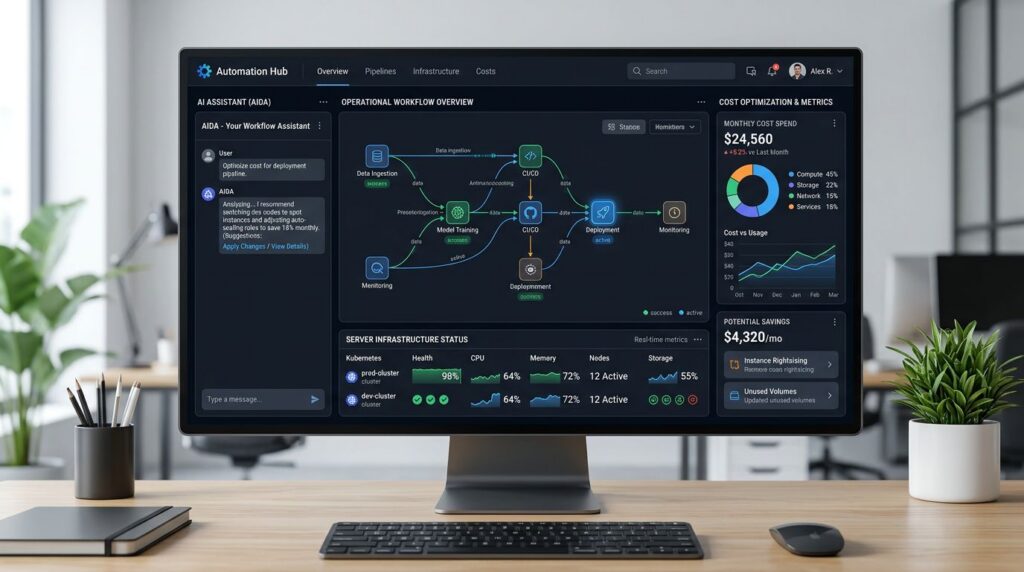
Workflow automation has evolved significantly, and **n8n** positions itself as one of the most versatile tools for technical teams in 2026. With its recent updates, including the new AI Assistant and visual editor improvements, n8n offers advanced capabilities that go beyond traditional automation solutions.
In this article, we’ll explore practical implementation patterns, self-hosting strategies, and cost optimization techniques that enable technical teams to maximize the value of this platform.
## Why n8n in 2026?
The evolution of n8n during 2025 and 2026 has introduced functionalities that make it a strategic choice for teams seeking complete control over their automations:
### Key New Capabilities
– **Integrated AI Assistant**: Workflow generation through natural prompts
– **Enhanced Editor**: More intuitive interface with better debugging
– **Advanced JS Steps**: JavaScript code execution with greater flexibility
– **Expanded Connectors**: Over 400 native integrations
– **Optimized Performance**: Better memory management and parallel processing
These improvements, combined with the platform’s open-source nature, offer a unique value proposition for organizations that prioritize technological autonomy and cost control.
## Self-Hosting Architecture: Technical Fundamentals
### Base Configuration with Docker
Self-hosted n8n deployment requires well-planned architecture. The most robust configuration uses Docker Compose with the following components:
“`yaml
version: ‘3.8’
services:
n8n:
image: n8nio/n8n:latest
environment:
– DB_TYPE=postgresdb
– DB_POSTGRESDB_HOST=postgres
– N8N_BASIC_AUTH_ACTIVE=true
– WEBHOOK_URL=https://your-domain.com/
volumes:
– n8n_data:/home/node/.n8n
depends_on:
– postgres
– redis
postgres:
image: postgres:15
environment:
– POSTGRES_DB=n8n
– POSTGRES_USER=n8n
– POSTGRES_PASSWORD=your_secure_password
volumes:
– postgres_data:/var/lib/postgresql/data
redis:
image: redis:7-alpine
volumes:
– redis_data:/data
“`
### Infrastructure Considerations
For a production environment, consider these technical aspects:
**Recommended Minimum Resources:**
– CPU: 2 cores (4 cores for intensive workloads)
– RAM: 4GB (8GB for complex workflows)
– Storage: SSD with at least 50GB
– Network: Stable connection with low latency
**Additional Components:**
– Load balancer (nginx/traefik) for high availability
– Monitoring system (Prometheus + Grafana)
– Automated database backup
– Automated SSL certificates (Let’s Encrypt)
## Advanced Automation Patterns
### 1. REST and GraphQL API Integration
One of the most powerful patterns in n8n is creating workflows that integrate multiple APIs. The following example shows how to synchronize data between systems:
**Pattern: Bidirectional CRM-ERP Synchronization**
1. **Trigger**: Webhook receiving CRM changes
2. **Validation**: JS Step to validate data structure
3. **Transformation**: Field mapping between systems
4. **Update**: HTTP Request to ERP
5. **Logging**: Database logging for audit trails
This pattern is especially useful when you need to maintain data consistency between legacy systems and modern applications.
### 2. AI Assistant Automation
The new n8n AI Assistant enables creating complex workflows through natural language descriptions. For example:
**Prompt**: “Create a workflow that monitors social media mentions, analyzes sentiment with AI, and sends Slack alerts if sentiment is negative”
The assistant automatically generates:
– Twitter/LinkedIn monitoring nodes
– Sentiment analysis API integration
– Conditional logic for filtering results
– Slack notification configuration
### 3. JS Steps for Complex Logic
JS Steps allow implementing custom logic that goes beyond native capabilities:
“`javascript
// Example: Advanced data processing
const items = $input.all();
const processed = items.map(item => {
const data = item.json;
// Custom business logic
const score = calculateComplexScore(data);
const category = determineCategory(data, score);
return {
json: {
…data,
processed_score: score,
category: category,
timestamp: new Date().toISOString()
}
};
});
return processed;
“`
This flexibility allows implementing domain-specific algorithms without depending on external services.
## Cost Control and Optimization
### Economic Optimization Strategies
Self-hosting n8n offers significant economic advantages compared to SaaS solutions:
**Comparative Cost Analysis:**
– **n8n Cloud**: $50-500/month depending on executions
– **Self-hosted**: $20-100/month in infrastructure
– **Potential Savings**: 60-80% in high-volume scenarios
### Performance Optimization Techniques
**1. Memory Management:**
– Configure appropriate memory limits per workflow
– Implement automatic cleanup of temporary data
– Use streaming for large datasets
**2. Parallelization:**
– Configure multiple workers for concurrent processing
– Implement queue management with Redis
– Optimize batch processing for bulk operations
**3. Proactive Monitoring:**
– Real-time performance metrics
– Automatic alerts for failures or degradation
– Usage trend analysis and continuous optimization
## Advanced Technical Use Cases
### DevOps and CI/CD Integration
n8n can integrate seamlessly into DevOps pipelines:
**Automated Deployment Pipeline:**
1. **Trigger**: Git webhook (push to main)
2. **Testing**: Automated test execution
3. **Build**: Docker image construction
4. **Deploy**: Kubernetes updates
5. **Monitoring**: Health check verification
6. **Notification**: Alerts to relevant teams
### Data Engineering and ETL
For data teams, n8n offers robust ETL capabilities:
**Data Ingestion Pattern:**
– Extraction from multiple sources (APIs, databases, files)
– Transformation with JS Steps and native functions
– Data quality validation
– Loading into data warehouses (BigQuery, Snowflake, Redshift)
– Completion notifications and quality metrics
### Integration with [[INTERNAL:inteligencia-artificial]]
Combining n8n with AI services enables creating intelligent workflows that process data autonomously, from document analysis to personalized content generation.
## Implementation Best Practices
### Security and Compliance
**Essential Security Configuration:**
– Robust authentication (OAuth, LDAP, SAML)
– Data encryption in transit and at rest
– Network segregation and firewalls
– Complete access and change auditing
– Encrypted backup and disaster recovery
### Workflow Management
**Organization and Versioning:**
– Logical folder structure by domain/team
– Critical workflow versioning
– Inline and external documentation
– Automated workflow testing
– Rollback procedures for critical changes
### Horizontal Scalability
For organizations with high demand, n8n supports distributed architectures:
– **Queue Workers**: Multiple instances processing in parallel
– **Load Balancing**: Intelligent load distribution
– **Database Clustering**: High-availability PostgreSQL
– **Distributed Monitoring**: Observability across instances
This architecture enables handling thousands of simultaneous executions while maintaining optimal performance.
## Integration with Modern Ecosystems
### Kubernetes and Containerization
For teams operating in Kubernetes, n8n integrates naturally:
“`yaml
apiVersion: apps/v1
kind: Deployment
metadata:
name: n8n-deployment
spec:
replicas: 3
selector:
matchLabels:
app: n8n
template:
spec:
containers:
– name: n8n
image: n8nio/n8n:latest
resources:
requests:
memory: “1Gi”
cpu: “500m”
limits:
memory: “2Gi”
cpu: “1000m”
“`
### Observability and Debugging
Complete observability implementation includes:
– **Structured Logs**: JSON logging with enriched context
– **Custom Metrics**: Prometheus metrics for specific workflows
– **Distributed Tracing**: Execution tracking across services
– **Intelligent Alerting**: Pattern and anomaly-based notifications
This approach enables proactive issue identification and resolution, improving system reliability.
### Future and Roadmap
n8n’s evolution continues with promising developments for 2026:
– **Enhanced AI Capabilities**: More integration with LLMs and ML services
– **Visual Improvements**: More intuitive editor with better UX
– **Performance Optimizations**: Better handling of complex workflows
– **Enterprise Features**: Advanced functionality for large organizations
These developments consolidate n8n as a strategic platform for enterprise automation, especially when combined with [[INTERNAL:devops]] and [[INTERNAL:arquitectura-software]] strategies.
## Conclusion
n8n 2026 represents a mature evolution of automation tools, offering technical teams unprecedented control over their workflows. The combination of self-hosting, AI assistance, and technical flexibility makes it a strategic choice for organizations seeking autonomy, cost control, and advanced capabilities.
Successful implementation requires careful architecture planning, security considerations, and a clear scalability strategy. However, the benefits in terms of flexibility, costs, and control amply justify the initial investment.
If your organization is evaluating automation solutions or looking to optimize existing implementations, our team can help you design and implement n8n architectures that maximize value for your specific context. [Contact us](/contact/) to explore how n8n can transform your automation processes.